What you can create
One photo. Every kind of AI video.
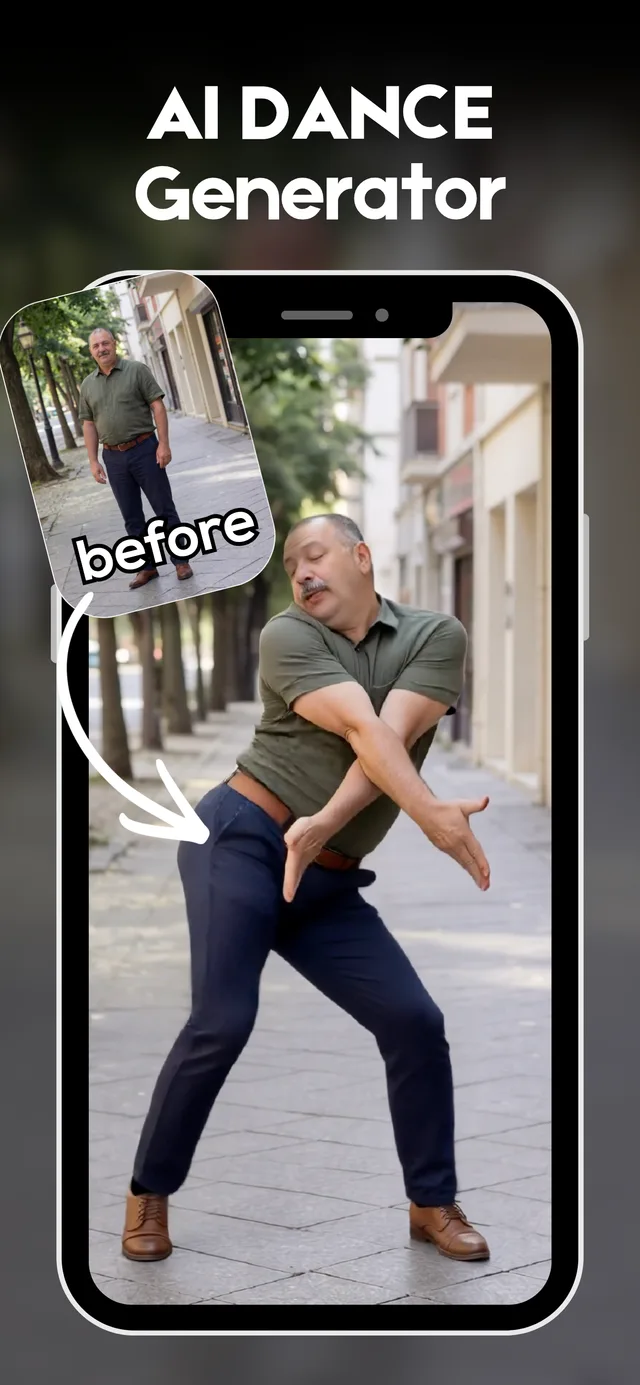
AI dance videos
One photo in, a trending dance video out. Pick a template, tap generate, and post while the trend is still hot.
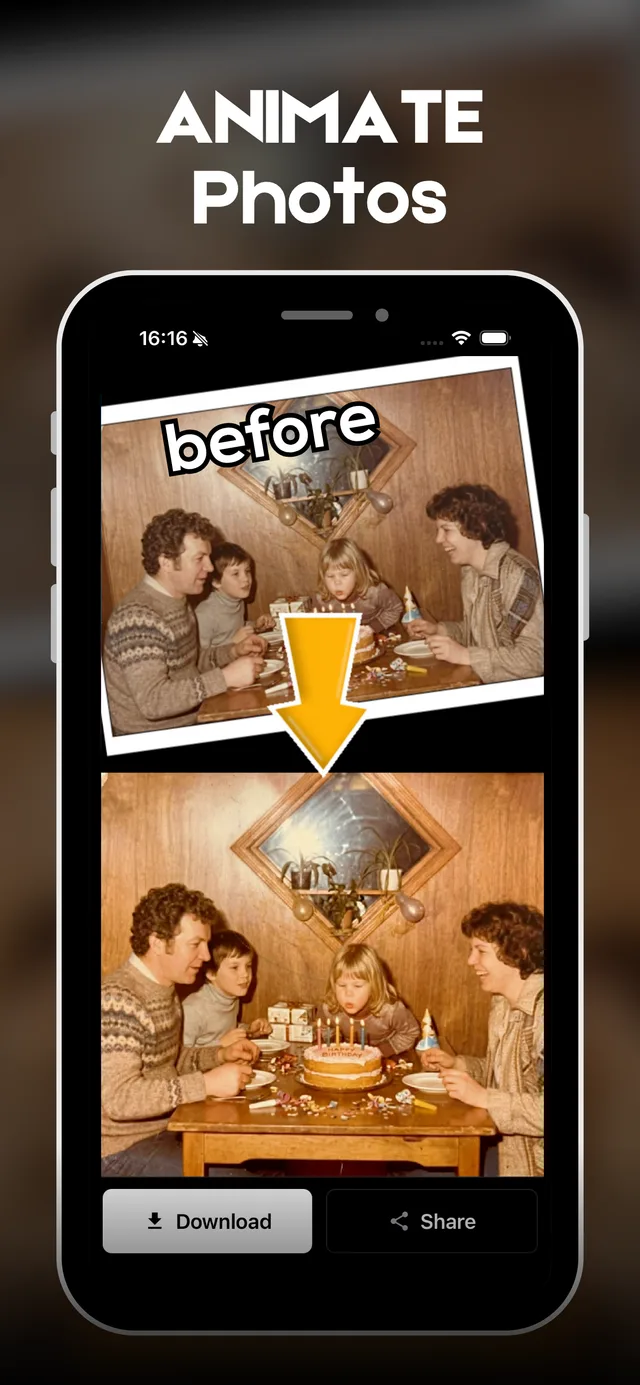
Animate old photos
Bring portraits, pets, and old family photos to life with smooth, natural AI motion.
Text to video
No photo? Just describe the scene. Drift generates a share-ready AI video straight from your words.
AI images & art
One prompt, four styles at once — anime, cinematic, polaroid, and editorial AI images.
Generate poses
Turn any selfie into a styled, professional portrait — casual to editorial in one tap.
AI style transformation
Reinvent any photo with bold editorial looks, cinematic black-and-white, and fashion-grade styles.
Templates
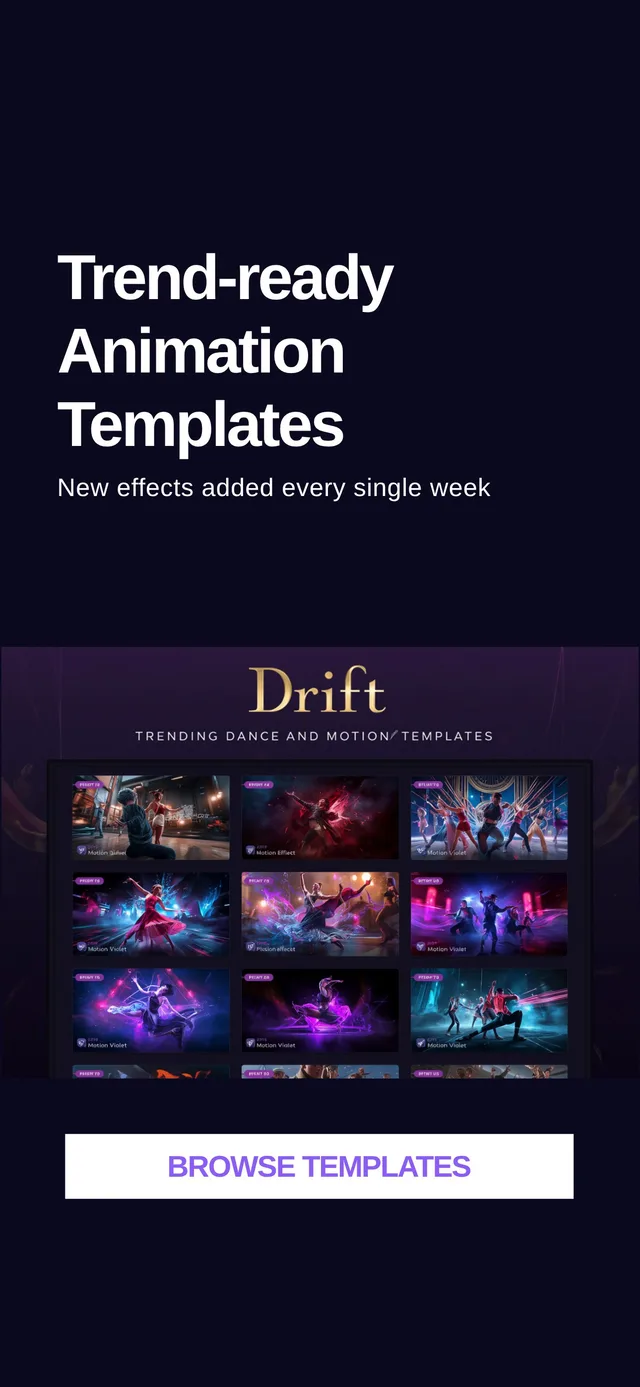
Trend-ready templates, updated weekly.
New dance and motion effects drop every week. When a format takes off on social, Drift already has the template — pick this week's trend and go, or customize it to make it yours.
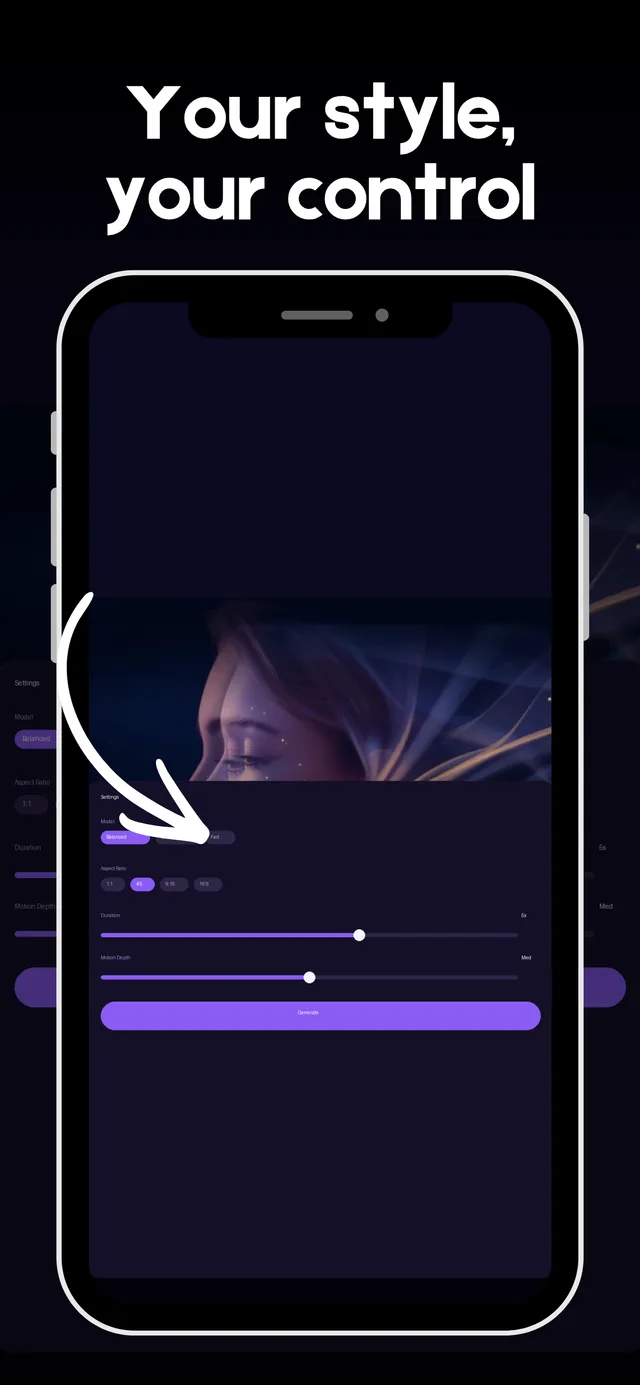
Fine-tune
Guided when you want speed. Flexible when you want control.
Most AI video apps stop at "it moves." Drift is built around motion quality — smooth, natural, expressive animation that looks share-worthy, not glitchy. Fine-tune motion and depth, pick your model, aspect ratio, and duration, or let the template decide.
How it works
Three steps to your AI video.
Upload a photo or write a prompt
Drop any image from your camera roll, or describe a scene in a text prompt.
Pick a template or customize
Choose from trending dance and motion templates, or dial in motion strength and style yourself.
Generate and share
Drift renders your AI video in seconds. Save it or share it straight to your favorite social apps.
FAQ
Frequently asked questions.
How do I turn a photo into an AI video?
Upload any photo in Drift, pick a motion template or write a custom prompt, and tap Generate. Your AI video is ready in seconds.
Can Drift make a photo dance?
Yes. Drift's dance and motion templates animate any photo to match trending moves — no editing skills required.
Can I animate old family photos?
Absolutely. Drift works on any photo — portraits, pets, and old family photos all animate cleanly with the photo animation templates.
Is Drift free?
Drift is free to download on iOS. Generating uses credits — subscriptions and credit packs unlock more creation, and you can manage everything from your account settings.
What is text to video in Drift?
Drift's text-to-video feature lets you describe a scene in a prompt and generates a short AI video from your words — no photo required.